Home
Home
How a Workplace Application Plan Turns Teacher Training Into Real Classroom Results

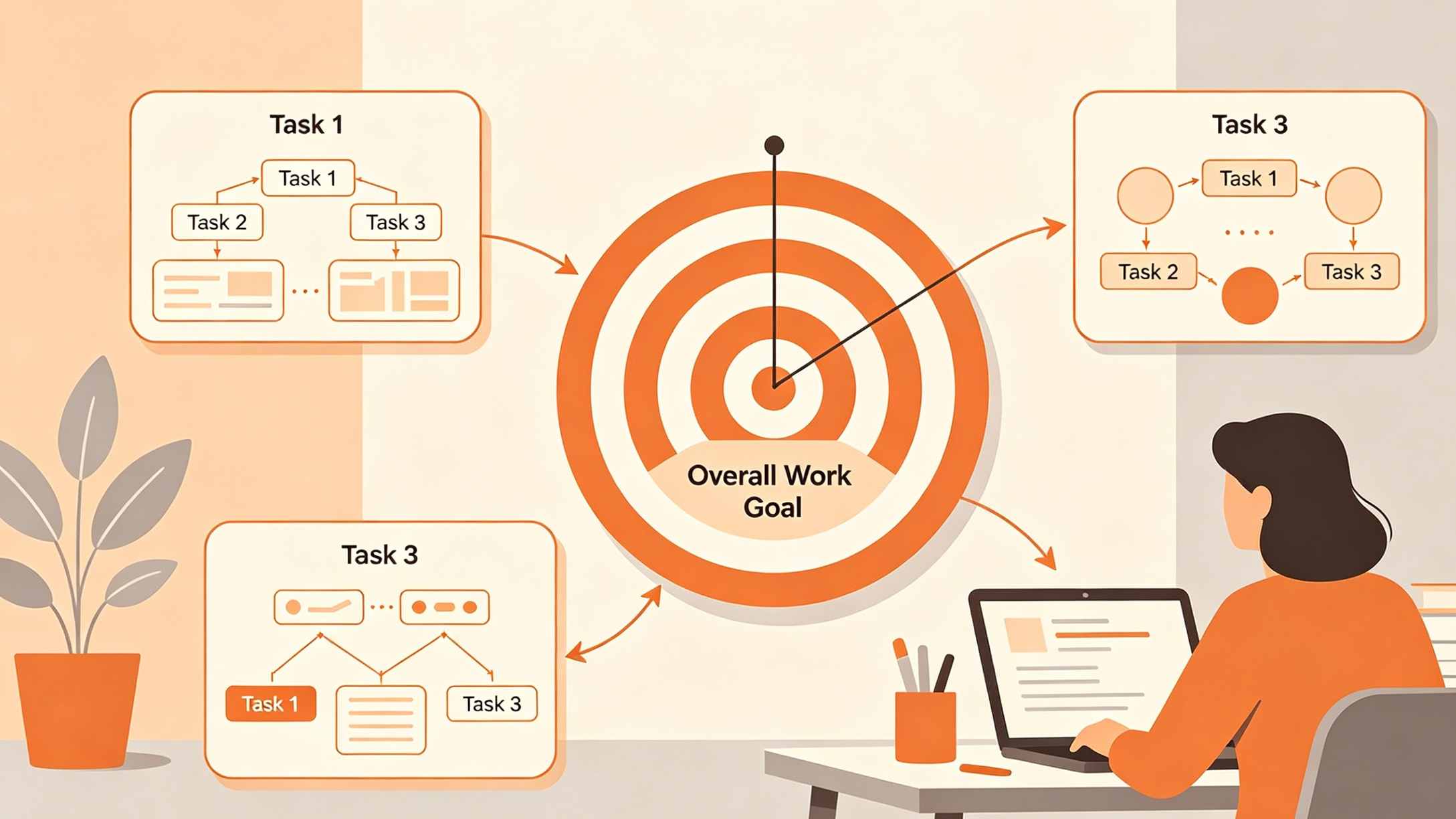
A Workplace Application Plan (WAP) serves as a strategic roadmap for educators to translate the theoretical knowledge gained from professional development programs into tangible classroom improvements. Rather than allowing new pedagogical theories to remain static in a notebook, the WAP requires teachers to define specific actions, timelines, and measurable outcomes. This process ensures that school budgets spent on teacher training yield a direct return in the form of enhanced student performance and improved school operations.
In many educational systems, completing a WAP is a mandatory requirement following any significant seminar or workshop. It acts as a formal commitment between the teacher and the school administration, outlining how new competencies will be integrated into the daily teaching-learning process.
The Structural Anatomy of an Effective Workplace Application Plan
A robust Workplace Application Plan is structured to eliminate ambiguity. While different institutions might have slightly different templates, the core components remain consistent across high-performing educational frameworks.
Personal and Program Profile
The first section serves an administrative purpose. It identifies the teacher, their current designation, and the specific training program they attended. This allows school leaders to track which professional development investments are being implemented and by whom.
Rationale and Competency Gap Analysis
Before listing tasks, a teacher must explain why the plan exists. This section identifies the specific skill gap addressed by the training. For example, if a teacher attended a workshop on "Gamification in Mathematics," the rationale might highlight low student engagement scores in recent quarterly assessments as the primary driver for change.
The SMART Objective Framework
The heart of the WAP is the Application Objective. To be effective, objectives must follow the SMART criteria:
- Specific: Clearly define what is to be achieved (e.g., "Implement three new interactive reading strategies").
- Measurable: Use numbers or observable changes (e.g., "Increase reading comprehension scores by 15%").
- Achievable: The goal must be realistic given the classroom resources and student demographics.
- Relevant: The objective must align with the school's overall improvement plan and the specific training attended.
- Time-bound: Set a clear start and end date, typically covering a period of three to six months.
Detailed Implementation Matrix for Different Teaching Scenarios
The implementation matrix is a tabular breakdown of the teacher’s strategy. It typically includes the specific task, the timeline, the required support, and the Means of Verification (MOV). Below are comprehensive samples across different educational domains.
Sample 1: Enhancing Early Literacy Through Phonics Integration
This plan is designed for a primary school teacher who has recently completed training on the "Orton-Gillingham" approach or similar multisensory literacy programs.
| Specific Task/Activity | Timeline | Expected Outcome | Means of Verification (MOV) | Support Needed |
|---|---|---|---|---|
| Diagnostic Assessment: Conduct baseline phonics screening for all Grade 1 students. | Week 1 | A detailed heat map of student literacy levels. | Assessment summary reports; Student profiles. | Diagnostic kits; quiet space for testing. |
| Lesson Integration: Incorporate daily 20-minute multisensory phonics drills into the morning routine. | Months 1–3 | Improved phonemic awareness and letter-sound recognition. | Updated Daily Lesson Logs (DLL); Video snippets of drills. | Manipulatives (sand trays, letter tiles). |
| Peer Observation: Invite a colleague to observe a phonics session and provide feedback. | Month 2 | Refined teaching techniques based on peer critique. | Peer observation notes; Reflection journal. | Scheduled substitute for the peer observer. |
| Post-Implementation Review: Conduct a final phonics screening to measure growth. | Month 4 | Quantifiable improvement in literacy scores. | Final assessment data; Comparative progress charts. | Data analysis software or templates. |
Sample 2: Integrating Digital Tools for Formative Assessment
Suitable for secondary school teachers focusing on Information and Communication Technology (ICT) integration in non-technical subjects like History or Science.
| Specific Task/Activity | Timeline | Expected Outcome | Means of Verification (MOV) | Support Needed |
|---|---|---|---|---|
| Digital Tool Selection: Set up Google Forms or Kahoot accounts for all class sections. | Week 1–2 | Fully functional digital assessment platforms. | Platform dashboard screenshots. | Reliable school Wi-Fi; IT support. |
| Strategy Execution: Replace traditional paper exit tickets with digital quizzes twice a week. | Months 1–2 | Real-time data on student understanding of lesson topics. | Digital quiz results; Student participation logs. | Student access to tablets/chromebooks. |
| Data-Driven Instruction: Adjust the following day's lesson plan based on quiz results. | Ongoing | Personalized learning paths for struggling students. | Revised lesson plans highlighting adjustments. | Mentor guidance on data interpretation. |
| Sharing Session: Lead a department meeting to demonstrate the efficacy of digital tools. | Month 3 | Increased departmental adoption of ICT tools. | LAC (Learning Action Cell) minutes; Attendance sheet. | Projector and meeting room. |
Sample 3: Differentiated Instruction in Inclusive Classrooms
Designed for teachers working in diverse settings where students have varying learning needs and abilities.
| Specific Task/Activity | Timeline | Expected Outcome | Means of Verification (MOV) | Support Needed |
|---|---|---|---|---|
| Learning Profile Development: Group students based on learning styles (Visual, Auditory, Kinesthetic). | Week 1–2 | A clear classroom map of diverse learning needs. | Student learning style survey results. | Survey templates; Printing budget. |
| Tiered Assignment Design: Create three versions of each major assignment (Simple, Standard, Advanced). | Months 1–4 | High engagement from both struggling and gifted learners. | Sample copies of tiered assignments. | Instructional designer or senior teacher. |
| Small Group Instruction: Implement "Station Rotation" where the teacher meets small groups daily. | Months 2–4 | Increased individualized support for learners. | Classroom layout photos; Student work samples. | Classroom aides or volunteers. |
| Portfolio Assessment: Evaluate student progress based on individualized growth rather than a fixed curve. | Month 5 | Evidence of mastery across all student tiers. | Student portfolios; Narrative progress reports. | Time for detailed portfolio review. |
Why Means of Verification (MOVs) Are Critical
In the context of a Workplace Application Plan, an objective is meaningless without proof. MOVs are the physical or digital evidence that a teacher has actually performed the tasks and achieved the results outlined in the plan.
Common types of MOVs include:
- Direct Evidence: Lesson plans (DLL/DLP), student work samples, graded assessments, and project photos.
- Indirect Evidence: Certificates of recognition, peer feedback forms, and parent communication logs.
- Administrative Evidence: Minutes of meetings (LAC sessions), attendance sheets for workshops led by the teacher, and incident reports.
When choosing MOVs, teachers should prioritize quality over quantity. A single well-annotated lesson plan that shows how a new strategy was applied is more valuable than ten generic handouts.
The Role of Learning Action Cells (LAC) in WAP Implementation
A Learning Action Cell (LAC) is a form of school-based professional development where teachers collaborate to solve problems and share best practices. The LAC session is often the primary vehicle for implementing a WAP.
During LAC sessions, teachers who have recently attended training present their WAPs to their colleagues. This peer-review process serves several functions:
- Accountability: Publicly sharing a plan increases the likelihood of follow-through.
- Resource Sharing: Colleagues can offer resources or tips on how to implement the plan within the specific constraints of the school.
- Cross-Pollination: One teacher's WAP can inspire others to adopt similar strategies, creating a school-wide culture of improvement.
How to Write SMART Objectives for an Educational WAP
Writing objectives is often the most challenging part of the WAP process. Many teachers write vague goals like "I will improve my teaching." This lacks direction and cannot be measured.
Compare these two examples:
- Vague Objective: "I want to use more technology in my classroom to help my students learn better."
- SMART Objective: "By the end of the second quarter, I will integrate at least two interactive simulation tools (such as PhET or Gizmos) into my Grade 9 Science curriculum to increase the average lab report score from 75% to 85%."
The second objective provides a clear deadline, identifies specific tools, defines the target group, and sets a numerical target for success. This makes the WAP a powerful tool for professional accountability.
Strategic Tips for Successful WAP Implementation
Start Small and Scalable
One of the biggest mistakes teachers make is trying to overhaul their entire teaching style overnight. Professional development is a marathon, not a sprint. Focus on one or two high-impact strategies from a training program. Once these are successfully integrated and verified, the teacher can move on to more complex applications.
Align with National Professional Standards
Most countries have national standards for teachers (e.g., the PPST in the Philippines, NBPTS in the US). A WAP should explicitly reference which professional standard it is helping the teacher achieve. This alignment makes the WAP a vital piece of evidence during annual performance reviews and for promotion applications.
Seek Continuous Administrative Feedback
A WAP should not be a "set it and forget it" document. Teachers should meet with their department heads or principals midway through the implementation period. This allows for mid-course corrections if resources are unavailable or if students are not responding as expected to the new strategies.
Document Everything in Real-Time
Do not wait until the end of the semester to collect MOVs. Create a digital folder or a physical portfolio as soon as the WAP begins. Every time a lesson plan is modified or a successful student project is completed, save the evidence immediately. This reduces the stress of reporting at the end of the application period.
The Long-Term Impact of WAPs on Teacher Professionalism
The implementation of a Workplace Application Plan transcends the immediate classroom environment. It fosters a culture of Action Research. By setting goals, implementing strategies, and measuring outcomes, teachers are essentially conducting research on their own practice.
This scientific approach to teaching leads to:
- Increased Efficacy: Teachers see proof that their new skills work, which boosts morale.
- Data-Driven Decisions: Instead of relying on intuition, teachers use assessment data to drive their instruction.
- Institutional Memory: When WAPs are archived, they become a repository of what works in a specific school context, helping new teachers who join the staff later.
Summary: Bridging the Gap Between Training and Teaching
The Workplace Application Plan is the ultimate bridge between professional development and classroom reality. By following the SMART framework and providing clear Means of Verification, teachers transform themselves from passive recipients of information into active agents of educational change. A well-executed WAP doesn't just improve a single teacher's performance; it elevates the entire school's academic standing and ensures that every student benefits from the latest educational advancements.
Frequently Asked Questions (FAQ)
What is the typical duration of a Workplace Application Plan?
Most WAPs are designed to be implemented over a period of one school semester (approximately 4–5 months). This provides enough time to gather meaningful data and observe long-term changes in student behavior or performance.
Can a WAP be adjusted after it has been approved?
Yes. Professional development is an iterative process. If a teacher finds that a specific strategy is not working or if classroom circumstances change (e.g., a sudden shift to remote learning), the WAP can be amended with the approval of the immediate supervisor.
Who is responsible for monitoring the WAP?
The primary responsibility for implementation lies with the teacher. However, department heads, master teachers, and school principals are responsible for monitoring progress through classroom observations, LAC sessions, and review of the Means of Verification.
What happens if the objectives of the WAP are not met?
Failure to meet an objective is not necessarily a failure of the teacher. It is an opportunity for reflection. If the MOVs show that the tasks were performed but the results didn't follow, the teacher should analyze why. Was the goal too ambitious? Were the resources insufficient? This analysis becomes part of the final WAP report.
Is a WAP different from a Lesson Plan?
Yes. A lesson plan covers what happens in a specific 40–60 minute period. A WAP is a broader strategic plan that covers how a teacher will change their overall practice over several months following professional training.
How do I choose the best MOVs for my WAP?
Choose MOVs that are directly linked to your objective. If your goal is to improve student participation, a video of a classroom discussion or a tally sheet of student questions is a better MOV than a written test.
-
Topic: Application for Teaching Job: Proven Sample, Expert Tips 2025https://www.cheggindia.com/hi/career-guidance/application-for-teaching-job/
-
Topic: FREE 21+ Teacher Application Samples in MS Word | Apple Pages | Outlook | PDFhttps://www.sampletemplates.com/sample/application/teacher-application.html
-
Topic: Job Application Materials for Teachers | List & Examples | Study.comhttps://study.com/academy/lesson/job-application-materials-for-teachers-list-examples.html