Home
Home
How to Check Your Home Depot Gift Card Balance Online, by Phone, or In-Store
Text "Balance" to 38698
(Standard rates apply)
Managing your home improvement budget effectively requires knowing exactly how much purchasing power you have left on your gift cards. Whether you are in the middle of a major kitchen renovation or just picking up a few supplies for a weekend DIY project, checking your Home Depot gift card balance is a straightforward process. However, recent security updates have changed how users interact with the online portal, making it essential to understand the different methods available to you.
As of late 2026, Home Depot has implemented stricter verification protocols to protect customer funds from automated balance-checking scripts used by fraudsters. This means that while checking your balance is still easy, the "guest" check option on the website has been largely phased out in favor of more secure, authenticated methods. In this guide, we will walk you through every available option, including workarounds for those who prefer not to create an online account.
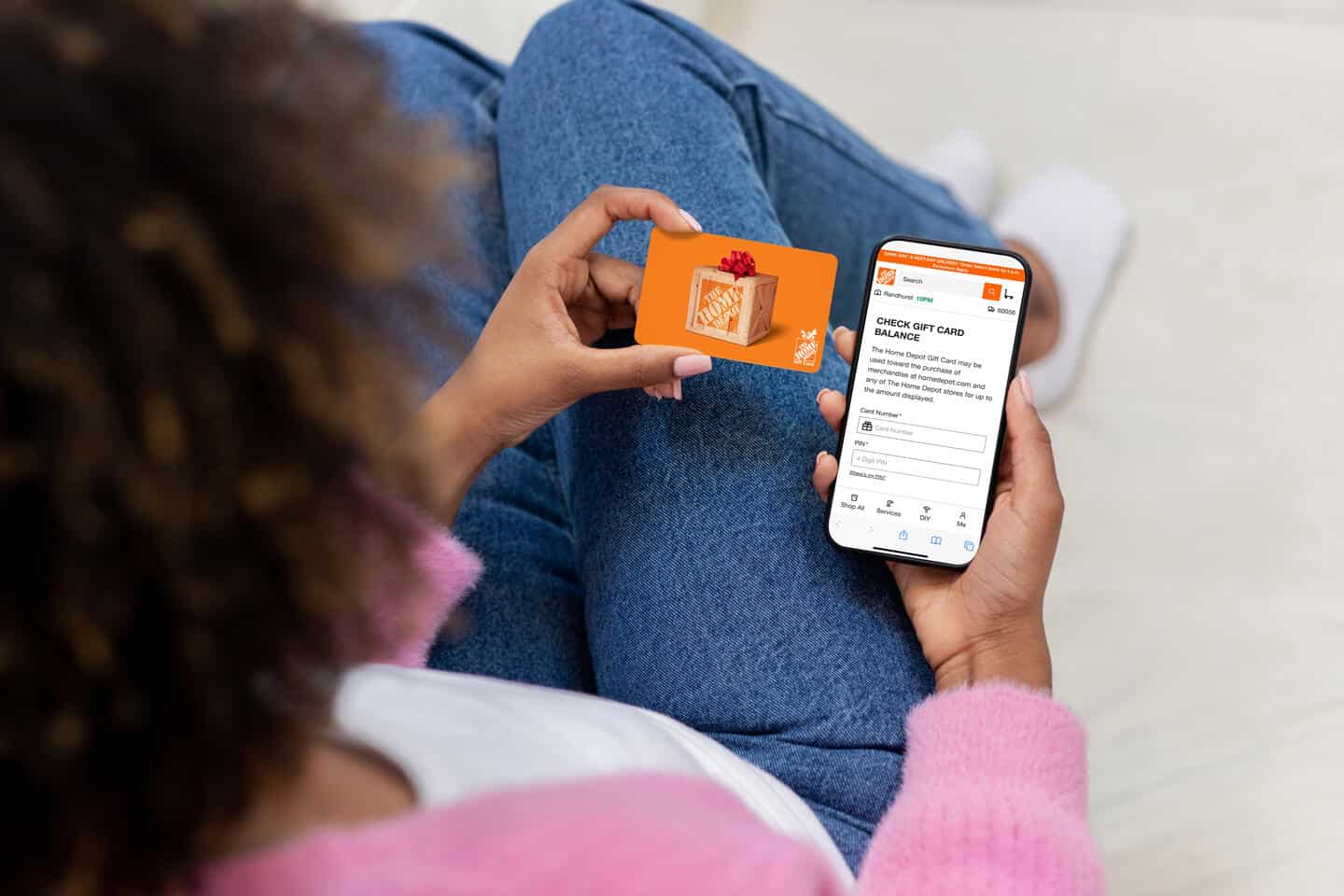
Image source: The Home Depot
The Fastest Ways to See Your Remaining Balance Right Now
If you are standing in an aisle at your local store or sitting at your computer ready to make a purchase, you likely want the quickest path to your balance. The most direct method remains the official Home Depot website, but it now requires a few extra steps compared to previous years. For those who want an immediate answer without navigating a website, the automated phone system is a highly effective alternative.
According to official Home Depot documentation , the primary phone line for gift card inquiries is 1-800-430-3376. This system is available 24/7 and uses automated voice recognition to process your 15-digit card number and security PIN. It is often the preferred choice for users who are currently in-store and do not want to wait in the customer service line.
For digital-first users, the Home Depot mobile app has become a top-rated tool for balance management. By adding your cards to the digital wallet within the app, you can see real-time updates to your balance every time you make a purchase. This eliminates the need to manually re-enter your card details for every check, making it a strong contender for the most efficient long-term solution.
How to Check Your Balance Online with a Home Depot Account
The standard online method is now tied directly to the Home Depot user ecosystem. This shift was designed to curb "botting" activities where malicious scripts would attempt to guess card numbers and PINs. By requiring a login, Home Depot ensures that the person checking the balance is a legitimate user with a verified identity.
To check your balance online, follow these steps:
- Navigate to the Home Depot Gift Card Balance page .
- Click the "Sign In" button. If you do not have an account, you will need to create one using a valid email address.
- Once logged in, locate the balance check input fields.
- Enter the 15-digit card number found on the back of your physical card or in your e-gift card email.
- Enter the security PIN. For physical cards, this is located under a silver scratch-off coating.
- Click "Check Balance" to view your current funds.
Many users have expressed frustration with this mandatory login requirement. Reports on community platforms like Reddit highlight that this change can be inconvenient for those who only shop at Home Depot occasionally. However, from a security standpoint, this measure ranks among the most effective ways to prevent balance theft.
How to Check Your Balance Without Logging In or Creating an Account
If you prefer not to create a Home Depot account, you are not out of luck. There are two primary workarounds that allow you to bypass the website's login wall. These methods are particularly useful for those who received a gift card as a one-time gift and do not plan on becoming regular Home Depot shoppers.
Method 1: The Automated Phone System
As mentioned earlier, the 1-800-430-3376 hotline does not require any account verification. You simply need the physical card in your hand. When you call, follow the prompts for "Gift Card Balance." You will be asked to speak or type the 15-digit number followed by the PIN. This method is widely regarded as the best "no-login" option available.
Method 2: In-Store Verification
Every Home Depot location has multiple points where you can check a balance. You can visit the Customer Service desk, the Pro Desk, or simply ask a cashier at any checkout lane. The associate will scan the barcode on your card, and the register will display the remaining balance. This is also the only way to check the balance of "Store Credit" cards, which often cannot be verified through the online gift card portal due to different security requirements.
Image source: YouTube
Checking Your Balance by Phone Using the Official Hotlines
While the 1-800 number is the most publicized, there are actually two different hotlines you can use. Understanding which one to call can save you time during peak shopping seasons like Black Friday or the spring gardening rush.
- Primary Number (1-800-430-3376): This is the general customer service line that handles gift card inquiries. During high-volume periods, you may experience longer wait times if you need to speak to a live representative.
- Secondary Number (1-866-333-3551): This is a dedicated gift card hotline that often has shorter wait times for automated balance checks. If the primary line is busy, this alternative stands out as a top choice for a quick response.
When calling, ensure you are in a quiet environment. The voice recognition software can sometimes struggle with background noise, especially when you are reciting the 15-digit card number. If the system fails to recognize your voice after two attempts, it will typically transfer you to a live agent who can manually enter the details for you.
Using the Home Depot Mobile App to Manage Multiple Cards
For power users and professional contractors, the Home Depot mobile app offers a level of convenience that few competitors match. The app allows you to store multiple gift cards in a digital "Wallet," which can then be used for touchless payments in-store or as a saved payment method for online orders.
Is Your Card a Gift Card or Store Credit?
One of the most common points of confusion for Home Depot customers is the difference between a standard Gift Card and Store Credit. While they may look similar, they operate under very different rules. Store Credit is typically issued when you return an item without a receipt, and it is tied to your government-issued ID for security purposes.
| Feature | Gift Card | Store Credit |
|---|---|---|
| Color/Design | Orange or branded imagery | Solid Yellow |
| ID Requirement | None (Transferable) | Required at checkout |
| Online Check | Yes (with login) | Often In-Store Only |
| Tool Rental | Not for deposits | Not for deposits |
| Expiration | Never | Never |
As noted in user reports , Store Credit can be particularly tricky to use online. Because it is tied to a specific individual's ID, the online checkout system may reject it if the account name does not match the original returnee's information. If you hold a yellow Store Credit card, your most reliable balance check method is visiting a store in person.
Where to Find Your 15-Digit Card Number and Security PIN
Locating the necessary numbers is the first step in any balance check. Depending on whether you have a physical card or a digital one, these numbers will be in different locations.
Physical Gift Cards
On the back of a physical Home Depot gift card, you will see a long string of numbers. The 15-digit card number is usually located near the barcode. To the right of this number, there is a small box labeled "PIN." This area is covered by a silver scratch-off coating. Use a coin or your fingernail to gently remove the coating. Be careful not to scratch too hard, as you could damage the numbers underneath.
E-Gift Cards
If you received a digital gift card via email, the 15-digit number and the PIN will be clearly listed in the body of the message. Most e-gift cards also include a "Check Balance" button that links directly to the Home Depot portal with the numbers pre-filled. If you cannot find the email, search your inbox for "Home Depot Gift Card" or "CashStar," which is the third-party service Home Depot uses to process digital card orders.
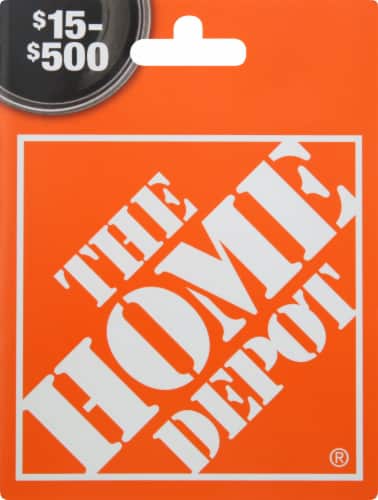
Image source: Metro Market
Advanced Rules for Using Your Home Depot Gift Card
Beyond simply checking your balance, there are several "pro tips" that can help you maximize the value of your cards. Home Depot has some of the most flexible gift card policies in the retail industry, but there are still limits you should be aware of.
Stacking Cards: Home Depot allows you to use up to 10 gift cards per single transaction. This is exceptionally helpful for large purchases like appliances or lumber. If you have more than 10 cards, you can visit the customer service desk and ask an associate to consolidate them into a single card with a higher balance.
Reloading: Unlike many other retailers whose cards become useless once the balance hits zero, Home Depot cards are reloadable. You can take an empty card to any register and add funds to it. This is a great way to stay on budget for a specific project—simply load the card with your allotted budget and stop spending once it's empty.
Cross-Border Use: Home Depot gift cards are generally valid at locations in the United States, Canada, and Mexico. However, be aware that the currency will be converted at the current exchange rate at the time of purchase. This can lead to slight fluctuations in your remaining balance if you are shopping across borders.
Security Alert: The Anycard Fraud and Protecting Your Funds
In recent years, a specific type of fraud involving third-party gift card "swap" sites has become a significant concern for Home Depot customers. Community reports on Reddit have detailed instances where e-gift cards obtained through services like "Anycard" were drained almost immediately after activation.
To protect yourself, never share your card number or PIN with anyone claiming to be from "technical support" or using it as payment for utilities or taxes. Legitimate businesses will never ask for payment via gift card. If you suspect your card has been compromised, contact Home Depot immediately, though recovery is only possible if the funds have not yet been spent.
What to Do if Your Home Depot Gift Card Is Lost or Stolen
Losing a gift card can feel like losing cash, but there is a small window of hope if you act quickly. Home Depot's policy allows for the replacement of lost or stolen cards, but only under very specific conditions.
First, you must have the original sales receipt or the digital order confirmation. Without proof of purchase, Home Depot cannot verify that you are the rightful owner of the funds. Second, the replacement will only be for the remaining balance at the time you report the loss. If a thief has already spent the money, Home Depot will not reimburse you.
To report a lost card, call 1-800-466-3337. Be prepared to provide the date of purchase, the store location, and the transaction number from your receipt. If you have the card saved in your mobile app wallet, you may be able to provide the 15-digit number to the representative, which significantly speeds up the cancellation and replacement process.
Frequently Asked Questions
- Online checks now require a Home Depot account login for enhanced security.
- The phone method (1-800-430-3376) is the most effective way to check a balance without logging in.
- Store Credit is different from a Gift Card; it is yellow, requires ID, and usually must be checked in-store.
- The mobile app is a top-tier tool for tracking multiple cards and seeing real-time balance updates.
- Security is paramount; avoid third-party swap sites and never share your PIN with unverified individuals.
- Keep your receipt in a safe place, as it is the only way to recover funds if your card is lost or stolen.
For the most reliable experience, always verify your balance through official Home Depot channels before heading to the store for a major purchase.