Home
Home
How to Use uAttend to Manage Employee Time and Payroll
What Is uAttend and How Does It Work?
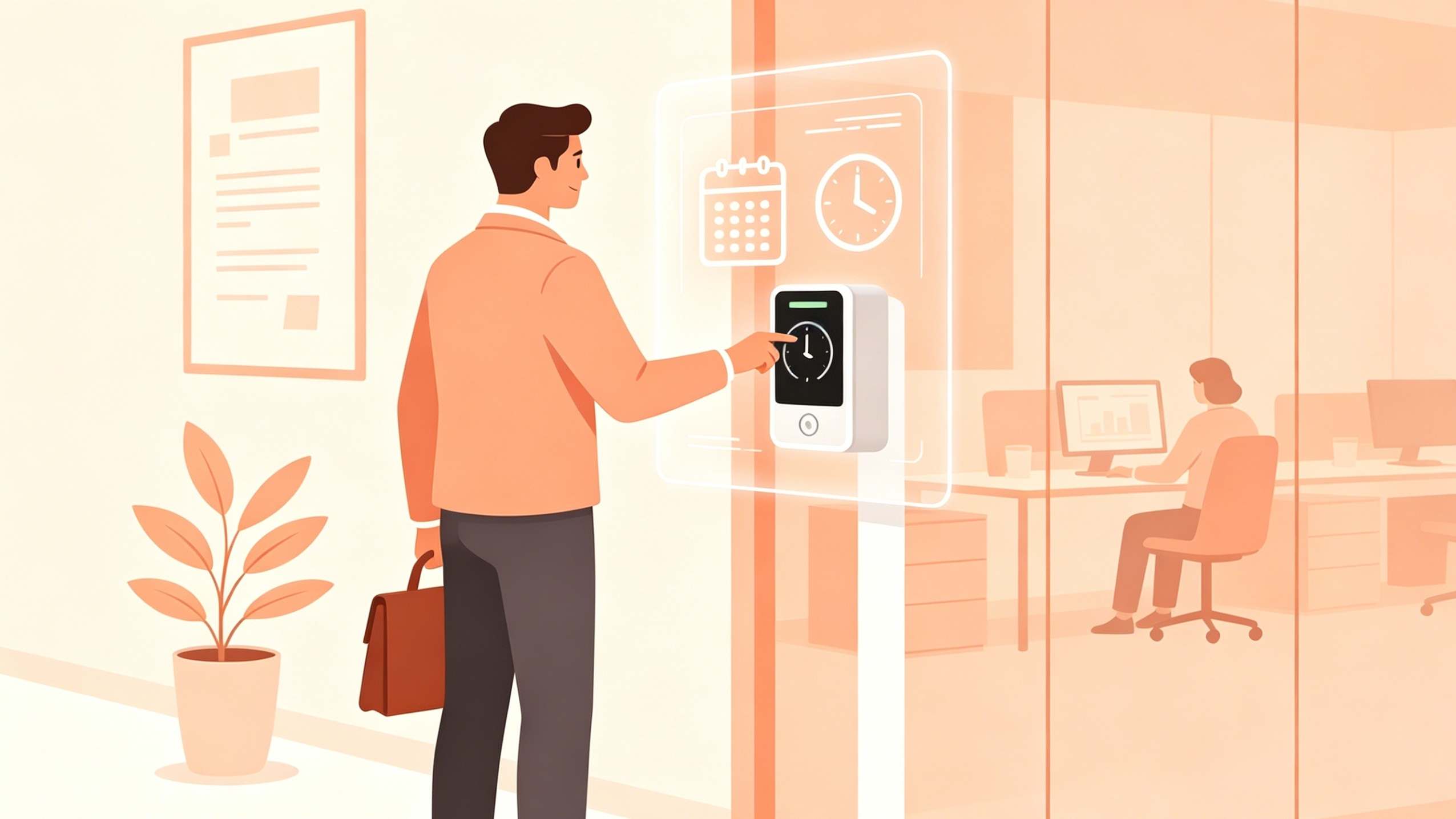
In the modern workplace, tracking labor hours accurately is a significant operational challenge. uAttend addresses this by providing a unified ecosystem where physical time clocks communicate directly with a cloud-based management dashboard. Unlike traditional punch cards, this system utilizes biometric data—such as fingerprints or facial scans—to verify that the person clocking in is exactly who they claim to be.
The core ecosystem consists of three main components: the physical hardware (the time clock), the web-based administrative portal, and the mobile application for remote staff. When an employee interacts with the clock, the data is transmitted in real-time to the uAttend cloud . This allows managers to monitor attendance from any location, run reports, and export data directly to payroll providers.
Small to mid-sized businesses find this system particularly useful because it bridges the gap between manual tracking and enterprise-level workforce management. By centralizing data, the platform reduces the administrative burden of calculating overtime, managing holiday pay, and tracking shift differentials.

Image source: uattend.com
How to Access the uAttend Login and TrackMyTime Portal
Accessing your data is the first step in daily management. The primary gateway for administrators and employees is the TrackMyTime portal. To ensure you are using the most current interface, you should navigate directly to v2.trackmytime.com .
Required Credentials
To log in, you will need three specific pieces of information:
- Company ID: A unique identifier provided during your initial account setup.
- Username: Your specific administrative or employee handle.
- Password: The secure key associated with your account.
If you are an administrator, the portal provides a high-level "Who's In" dashboard, allowing you to see real-time status updates for your entire team. For employees, the portal serves as a digital time card where they can view their hours, request time off, or add notes to specific shifts.
For those who prefer direct access, the uAttend Login Portal is optimized for both desktop and tablet browsers, ensuring you can manage payroll even while away from the office.
What Does uAttend Actually Cost Each Month?
Understanding the total cost of ownership is vital for ROI analysis. While the hardware is a one-time purchase, the system operates on a "Software as a Service" (SaaS) model. This means your time clock will not function without an active monthly subscription.
The Subscription Model
Subscription tiers are generally based on the number of employees. While specific regional pricing may vary, the baseline plans typically start around $20 to $30 per month for small teams. However, businesses should be aware of additional fees that are often omitted from the primary marketing materials.
According to documentation from uAttend regional sites , these fees ensure that the cloud infrastructure remains secure and that hardware firmware stays updated. When calculating your budget, always account for the growth of your team, as moving to a higher employee tier can significantly change your monthly overhead.
Which uAttend Time Clock Hardware Is Right for Your Business?
Choosing the right hardware depends on your environment and security needs. The two primary categories are the JR Series and the DR Series.
JR2000 (Biometric)
The workhorse of the lineup. It uses a high-resolution fingerprint scanner and supports RFID cards or PIN access. It is a top choice for retail and office environments.
Connectivity: LAN or Wi-Fi.
DR2500 (Touch-Free)
A notably innovative solution for hygienic environments. It uses facial recognition and voice control, allowing employees to clock in without touching the device.
Connectivity: Wi-Fi enabled.
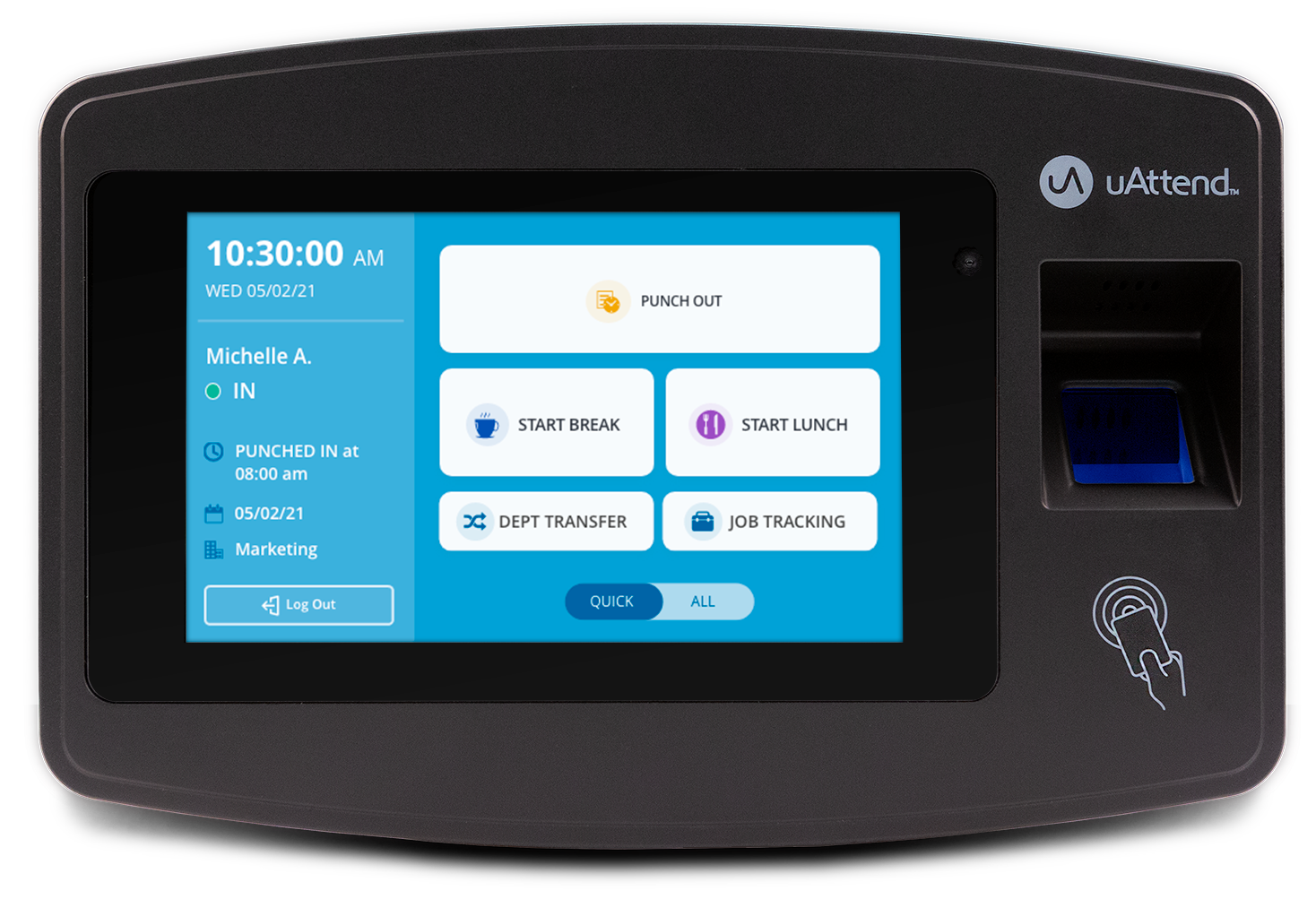
Image source: uattend.com
| Feature | JR2000 | BN6000 | DR2500 |
|---|---|---|---|
| Primary Sensor | Fingerprint | Fingerprint | Facial Recognition |
| Secondary Access | PIN / RFID | PIN | Voice / PIN |
| Connectivity | Wi-Fi / Ethernet | Ethernet | Wi-Fi |
| Price Point | ~$180 | ~$150 | ~$250+ |
How to Set Up the uAttend Mobile App for Remote Teams
For businesses with field technicians, sales reps, or remote workers, the mobile app is an essential extension of the system. Available on both iOS and Android, the app provides a secure way to track time without a physical clock.
Smart Punching and Geofencing
One of the most helpful features is "Smart Punching." The app analyzes the employee's last action and suggests the next logical step. For example, if an employee is currently clocked in, the app will prominently display "Clock out for Lunch" or "Clock out for Day."
To prevent time theft, administrators can enable Geofencing . This restricts employees from clocking in unless they are within a specific radius of a job site. The app uses the phone's GPS to verify the location, providing a high standard of accountability for remote teams.
Beyond simple time tracking, the app allows for:
- Expense Tracking: Employees can log gas, meals, or supplies.
- Tip Tracking: Ideal for the hospitality industry to ensure accurate reporting.
- Department Transfers: Allows workers to switch between different job codes during a single shift.
Advanced Strategies for Labor Law Compliance and Payroll
Using uAttend for more than just a digital stopwatch can protect your business from legal disputes. Implementing a "Compliance Shield" workflow involves configuring the software to enforce your company policies automatically.
The Compliance Shield Workflow
By utilizing the advanced settings in the portal, you can set up:
- Lockouts: Prevent employees from clocking in more than 5 minutes before their shift starts, stopping unauthorized overtime before it happens.
- Grace Periods: Configure a 3-to-7 minute window where minor tardiness doesn't trigger a deduction, keeping morale high while maintaining records.
- Break Reminders: Set the system to alert employees when they are required by law to take a rest or meal break.
The Mock Payroll Audit
Before you fully transition your payroll process to uAttend, experts recommend running a "mock payroll." For one or two pay cycles, calculate your payroll using your old method and the uAttend export side-by-side. This helps identify discrepancies in rounding rules or overtime calculations that could lead to significant errors if left unchecked.
The system supports direct integration with major providers like QuickBooks, ADP, and Gusto. Ensuring your pay codes in uAttend match your payroll software exactly is the key to a seamless export process.
How to Fix Common uAttend Hardware and Connectivity Issues
Even the most reliable systems encounter technical hurdles. Most uAttend issues are related to network connectivity or physical sensor maintenance.
The "Network Server" Error
If your clock displays a "Network Server" error, it usually means the device has lost its handshake with the cloud. Follow this specific "Order of Operations" to reset the connection:
- Power down your internet router and the uAttend clock.
- Wait at least 30 seconds to allow the capacitors to discharge.
- Power up the router first and wait for it to establish a full internet connection.
- Plug in the uAttend clock and check the 110VAC source to ensure consistent power.
Sensor Maintenance and DIY Repair
Fingerprint sensors can become non-responsive due to the buildup of skin oils and dust. According to community guides on iFixit , you can often restore a "dead" sensor by cleaning it with a lint-free cloth and a small amount of electronics-grade isopropyl alcohol. For stubborn debris, an air duster can clear the edges of the scanner bed.
If a screen or keyboard fails, you don't necessarily need to replace the entire $180 unit. Many components are modular, and the uAttend Support Center provides documentation on identifying replaceable parts, which can save your business significant replacement costs.
The Bottom Line on uAttend
uAttend stands out as a top-tier option for businesses that need a balance between physical security and cloud flexibility. While the recurring monthly fees can add up, the reduction in "buddy punching" and manual data entry often provides a clear return on investment.
ROI Checklist for Your Business
- Time Theft: Does your business lose more than $30/month to employees clocking each other in?
- Admin Hours: Does your manager spend more than 2 hours per week manually totaling time cards?
- Compliance: Are you at risk for labor law violations regarding mandatory breaks?
- Remote Visibility: Do you need to know exactly where your field staff is when they start their day?
Ultimately, the combination of biometric verification (the "who") and GPS geofencing (the "where") makes this system a highly competitive choice for modern workforce management.
Key Takeaways
- Access the portal via v2.trackmytime.com using your unique Company ID and credentials.
- Budget for subscriptions beyond the initial hardware cost, including per-clock and per-admin fees.
- Choose the JR2000 for standard fingerprint needs or the DR2500 for touch-free facial recognition.
- Enable Geofencing on the mobile app to ensure remote employees are actually at the job site.
- Clean sensors regularly with electronics cleaner to prevent read errors and hardware downtime.
- Run a mock payroll before going live to ensure rounding rules and pay codes are perfectly aligned.
- Look for "People" in the navigation menu to find the updated user management settings.
To get started, verify your network compatibility and perform a test punch to ensure your hardware is communicating with the cloud portal.
Frequently Asked Questions
How much does uAttend cost per month?
Does uAttend work without a subscription?
How do I reset my uAttend admin password?
Can I use the uAttend app for free?
What is the difference between the JR and DR series?
How do I export data to QuickBooks?