Home
Home
How to Build a Profitable Image SEO Strategy for Your Business Website
Image SEO is a high-yield growth lever that drives traffic through Google Images, Google Lens, and standard search results. By optimizing file formats (like AVIF and WebP), implementing branded filenames, and writing descriptive alt text, business owners can significantly improve their site's visibility and user experience. As of 2026, visual search accounts for billions of monthly queries, making image optimization a core requirement for modern digital marketing.
Why Should Business Owners Care About Image SEO?
For many business owners, images are often viewed as mere aesthetic choices—elements designed to make a page look professional or inviting. However, the data suggests a much more functional role. Images appear on approximately 37.81% of all Search Engine Results Pages (SERPs) , according to SE Ranking . This means that more than a third of the time, your visual assets are competing directly for a user's attention alongside text-based snippets.
The historical context of image search is equally compelling. Between 2013 and 2018, site owners faced a significant challenge: Google’s "View Image" button allowed users to bypass websites entirely, consuming content without ever visiting the host page. When this button was removed in 2018 following a settlement with Getty Images, WPMU DEV reports that roughly 63% of lost traffic returned to site owners. This shift transformed images from passive assets into active traffic drivers.
Furthermore, the rise of visual search tools like Google Lens has created a new frontier for discovery. With over 12 billion monthly searches , Google Lens allows users to identify products, landmarks, and text simply by pointing their camera. For e-commerce and local businesses, this represents a massive opportunity to capture high-intent customers who are searching for specific items they see in the real world. Finally, image optimization is a critical component of Core Web Vitals. Large, unoptimized files are the primary cause of slow page loads, which Google uses as a confirmed ranking factor for all search results.
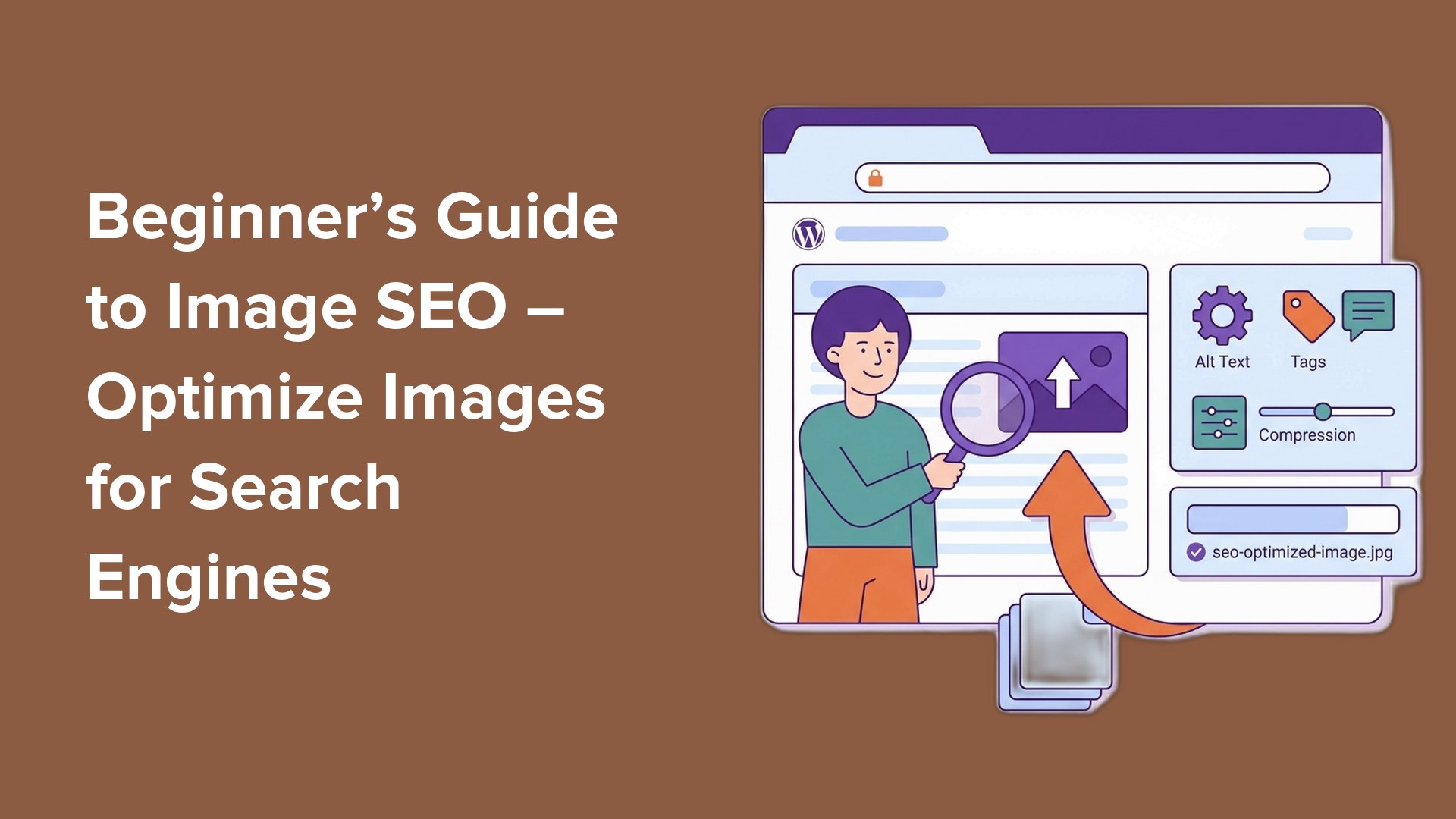
Image source: WPBeginner
How Does Google Actually See and Rank Your Images?
Understanding how search engines process visual data is the first step toward mastering the strategy. In the past, Google relied almost exclusively on text-based clues—like filenames and alt text—to understand what an image depicted. Today, the landscape is far more sophisticated. Through the Google Cloud Vision API , search algorithms can now identify objects, faces, and even the "mood" of an image with high confidence without needing any text at all.
The Indexing Hierarchy
It is important to note that Google does not treat all images equally. A common mistake in modern web design is using CSS background images for critical content. According to
Google Search Central
, crawlers primarily index images found in the
<img>
tag's
src
attribute. Images delivered via CSS are often ignored for indexing purposes, meaning they will not appear in Google Image search results. If an image is vital to your SEO strategy, it must be placed within the HTML structure.
Semantic Image SEO and Context
Google also uses "Semantic Search" to understand context. This means the algorithm looks at the text surrounding an image, the page title, and even the headers to determine relevancy. If you have a photo of a "leather office chair" placed under a heading about "ergonomic workspace solutions," Google uses that relationship to rank the image for both terms. This holistic approach emphasizes the need for strategic placement; images should always be located near the text they are meant to illustrate.
What Are the Technical Essentials Every Website Needs?
Technical optimization is where business owners can see the most immediate gains in page speed and user retention. The goal is to provide the highest quality visual experience with the smallest possible file size. As of 2026, the standard for "small" has shifted; owners should aim to keep most web images under 500 KB to maintain mobile performance benchmarks.
Next-Gen Format Comparison
Choosing the right format is a balance between quality, compression, and browser compatibility. While JPEG and PNG are the traditional choices, modern formats like WebP and AVIF offer significantly better performance.
| Format | Best Use Case | Compression Level | 2026 Browser Support |
|---|---|---|---|
| JPEG | Complex photographs | Moderate | Universal |
| PNG | Graphics with transparency | Low | Universal |
| WebP | General web use | High | Excellent |
| AVIF | High-quality photos | Superior | High (Top Choice) |
Responsive Delivery with
srcset
Serving a 2000-pixel wide image to a user on a 400-pixel wide smartphone screen is a waste of bandwidth. By using the
srcset
attribute, you can provide a list of different image sizes, allowing the user's browser to automatically select the most appropriate one. This ensures that mobile users—who make up nearly
60% of all web traffic
according to
Reddoor
—receive a fast, optimized experience.
src
fallback within the
<picture>
tag. This ensures that older browsers and certain search crawlers can still access the image if they don't support modern responsive attributes.
The Branded Filename Strategy for Dominating Visual Search
Filenames are one of the most overlooked opportunities in image SEO. Most digital cameras and smartphones export files with generic names like
IMG_5678.jpg
. To a search engine, this name provides zero context. A more effective approach is the "Branded Filename" strategy, which involves incorporating your company name and a descriptive keyword into every file.
Moving Beyond Generic Names
Instead of
product-1.jpg
, use a structure like
brand-name-blue-suede-running-shoes.jpg
. This serves two purposes: it tells Google exactly what the image is, and it associates your brand name with that specific product in the search index. Community experts in the
Lightroom Queen community
suggest that this branded approach helps ensure your assets appear when users search for your company specifically, reinforcing brand authority.
Hyphens vs. Underscores
It is a technical standard that Google treats hyphens (
-
) as word separators and underscores (
_
) as joiners. For example, Google sees
blue-suede-shoes
as three distinct words, but it might see
blue_suede_shoes
as a single, long string. Always use hyphens to ensure your keywords are readable by the algorithm. Keep filenames descriptive but concise, ideally between 5 and 7 words.
How to Write Alt Text That Serves Both Users and SEO
Alt text (alternative text) is a brief description of an image embedded in the HTML code. Its primary purpose is accessibility—allowing screen readers to describe the image to visually impaired users. However, it also provides search engines with a clear textual representation of the visual content.
The Accessibility/SEO Nexus
Effective alt text should be descriptive enough that a user could visualize the image without seeing it. Avoid "keyword stuffing," which is the practice of cramming as many search terms as possible into the tag. Instead, focus on the subject and the action. For example, "A golden retriever playing fetch in a snowy park" is far more effective than "dog pet golden retriever snow winter park fetch."
The "Decorative" Exception
Not every image needs alt text. Business owners should be aware of the "Decorative Exception." If an image is purely for visual flair—such as a background gradient, a divider line, or a generic stock photo that adds no information—it should have an empty alt attribute (
alt=""
). This tells screen readers to skip the image, preventing a cluttered experience for users and ensuring search crawlers focus their "crawl budget" on your most important assets.

Image source: Search Engine Journal
How to Create a Scalable Workflow for Your Content Team
For business owners, the challenge of image SEO is often one of scale. Manually renaming and tagging hundreds of images is not a productive use of time. The solution lies in creating a standardized workflow that automates these tasks at the source.
The Lightroom to Web Pipeline
If your business works with professional photographers, you can leverage IPTC metadata. Tools like Adobe Lightroom allow photographers to add titles and captions to images during the editing process. You can set up an export preset that automatically uses the "Title" field to generate the filename and the "Caption" field to populate the alt text. This ensures that by the time the image reaches your web developer, it is already optimized for search.
Photographer adds descriptive titles and captions in Lightroom or similar software.
Export images using a "Branded Filename" preset (e.g., [Brand]-[Title].jpg).
Run files through a bulk optimizer to ensure they are under 500 KB and in WebP/AVIF format.
Upload to the CMS and use a tool to verify that all alt tags are present and correct.
How to Handle AI-Generated Images Without Hurting Your Rankings
As AI-generated visuals become more common, business owners must navigate Google's evolving policies. As of 2026, Google does not penalize images simply because they were created by AI. Instead, the focus is on quality and transparency . High-quality, sharp, and relevant images are prioritized regardless of their origin.
However, Google has introduced metadata requirements for AI-generated content. Images created or heavily edited with AI (such as inpainting or outpainting) should include specific metadata labels. This transparency helps maintain trust with users and ensures your site complies with search standards. While AI can be a useful tool for generating generic stock imagery, unique, branded photography typically performs better in search because it provides original value that cannot be found elsewhere on the web.
Common Mistakes That Kill Your Page Speed and SEO
Even with the best intentions, certain technical pitfalls can undermine your efforts. One of the most frequent errors is the excessive use of Data URIs . While inlining images as Base64-encoded strings can reduce the number of HTTP requests, it significantly increases the size of your HTML file. This can lead to slower "Time to First Byte" (TTFB) and a sluggish user experience.
Another common mistake is ignoring the mobile experience. Because mobile devices often have slower processors and less stable connections than desktops, unoptimized images are the leading cause of high bounce rates. Always test your site's performance on a mobile device using tools like Chrome DevTools to see exactly how your images are loading in the real world. Finally, ensure your images are included in your XML Sitemap . This acts as a roadmap for Google, ensuring that even images tucked away in galleries or tabs are discovered and indexed.
Image source: LinkedIn
Frequently Asked Questions
Yes, it does. While image SEO primarily helps you rank in Google Images, it also provides significant benefits to your main page rankings. By providing clear context through alt text and filenames, you help Google understand the topic of your page more deeply. Additionally, optimized images improve page speed and user engagement, both of which are critical signals that Google uses to rank your site in standard search results.
For most business websites, AVIF is widely considered one of the top choices for 2026 due to its superior compression capabilities. However, WebP remains a highly effective and widely compatible alternative. The best approach is to use a combination: serve AVIF to browsers that support it and provide a WebP or JPEG fallback for older systems. This ensures all users get the fastest possible experience without sacrificing quality.
If an image is purely decorative and doesn't add information to the page, the best practice is to leave the alt attribute empty (
alt=""
). If the image is functional (like a search icon), the alt text should describe the function (e.g., "Search site") rather than the appearance. For abstract images that are meant to convey a mood, try to describe the feeling or the reason the image was included in the context of the article.
Absolutely. Most modern Content Management Systems (CMS) like WordPress or Shopify have plugins and apps that can automatically compress images, convert them to WebP, and even generate basic alt text based on the page title. For larger sites, using an Image Content Delivery Network (CDN) can handle these optimizations at the server level, delivering the best version of an image to each user automatically.
You can track this using Google Search Console . Navigate to the "Performance" report and change the "Search Type" filter from "Web" to "Image." This will show you exactly how many impressions and clicks your images are generating, which keywords are driving that traffic, and which specific pages are benefiting most from your visual search strategy.
The Bottom Line: Your Image SEO Checklist
Image SEO is a multifaceted discipline that combines technical precision with strategic content creation. By following these steps, business owners can turn their visual assets into a consistent source of new traffic and brand awareness.
Start by auditing your top 10 most visited pages today to identify immediate opportunities for image optimization.