Home
Home
How to Fix the URL SEO Mistakes That Are Wasting Your Crawl Budget
According to data from Google, approximately 75% of all crawling issues originate from just two URL-related errors: faceted navigation (50%) and action parameters (25%). These mistakes create infinite loops and redundant pages that force search bots to abandon your site before indexing critical content. Fixing these structural flaws is widely regarded as one of the most effective ways to improve technical SEO performance in 2026.
Why Your URL Structure Is the Foundation of Technical SEO
In the complex ecosystem of search engine optimization, the URL serves as the primary identifier for every piece of content on your site. If this identifier is broken, redundant, or overly complex, the content it represents becomes effectively invisible to search engines. As we move further into 2026, the importance of clean URL structures has only intensified. With the rise of AI-driven search and Large Language Models (LLMs) that crawl the web for data extraction, a logical and semantic URL path is a top-tier requirement for visibility.
Crawl budget—the number of pages Googlebot crawls and indexes on your site within a given timeframe—is a finite resource. When your URL structure is inefficient, you essentially force Google to spend its "budget" on low-value or duplicate pages. This leads to a scenario where your high-converting product pages or insightful blog posts remain unindexed because the bot was busy navigating a maze of tracking parameters and filter combinations.
According to Search Engine Land , crawl efficiency is no longer just about speed; it is about precision. If a bot encounters a "crawl trap"—a set of URLs that seem to go on forever—it will eventually stop crawling your domain to protect its own resources. Understanding how to design these paths correctly is a significant advancement for any technical SEO strategy.
The Two Massive Mistakes That Cause 75% of All Crawling Issues
Google’s Gary Illyes has highlighted a startling statistic: the vast majority of crawl waste is concentrated in two specific areas. By addressing these, you can resolve the bulk of your site's indexing friction.
How Faceted Navigation Creates Infinite Crawl Loops
Faceted navigation is a standard feature for e-commerce sites, allowing users to filter products by color, size, price, and brand. However, from a bot's perspective, this is often a nightmare. Each combination of filters generates a unique URL. For example:
-
example.com/shoes?color=red&size=10 -
example.com/shoes?size=10&color=red -
example.com/shoes?color=red&size=10&sort=newest
To a human, these are the same page. To a bot, these are three distinct URLs that must be crawled. If you have 10 filters, the number of possible combinations can reach into the millions. This creates a "Bot Trap" where the crawler gets stuck in a loop of near-identical pages, never reaching the actual product detail pages. This issue alone accounts for roughly 50% of all crawl waste.
Why Action Parameters Are Trashing Your Index
The second major culprit, accounting for 25% of issues, is the misuse of action parameters. It is vital to differentiate between
content parameters
(which change the actual content, like
?category=boots
) and
action parameters
(which only change the view or track behavior, like
?sessionid=123
or
?sort=price_low
).
When action parameters are not properly managed via canonical tags or robots.txt, search engines index thousands of versions of the same page. This dilutes your ranking power and confuses the algorithm about which version is the "authoritative" one. As noted in reports from industry experts , failing to handle these parameters is a leading cause of index bloat.
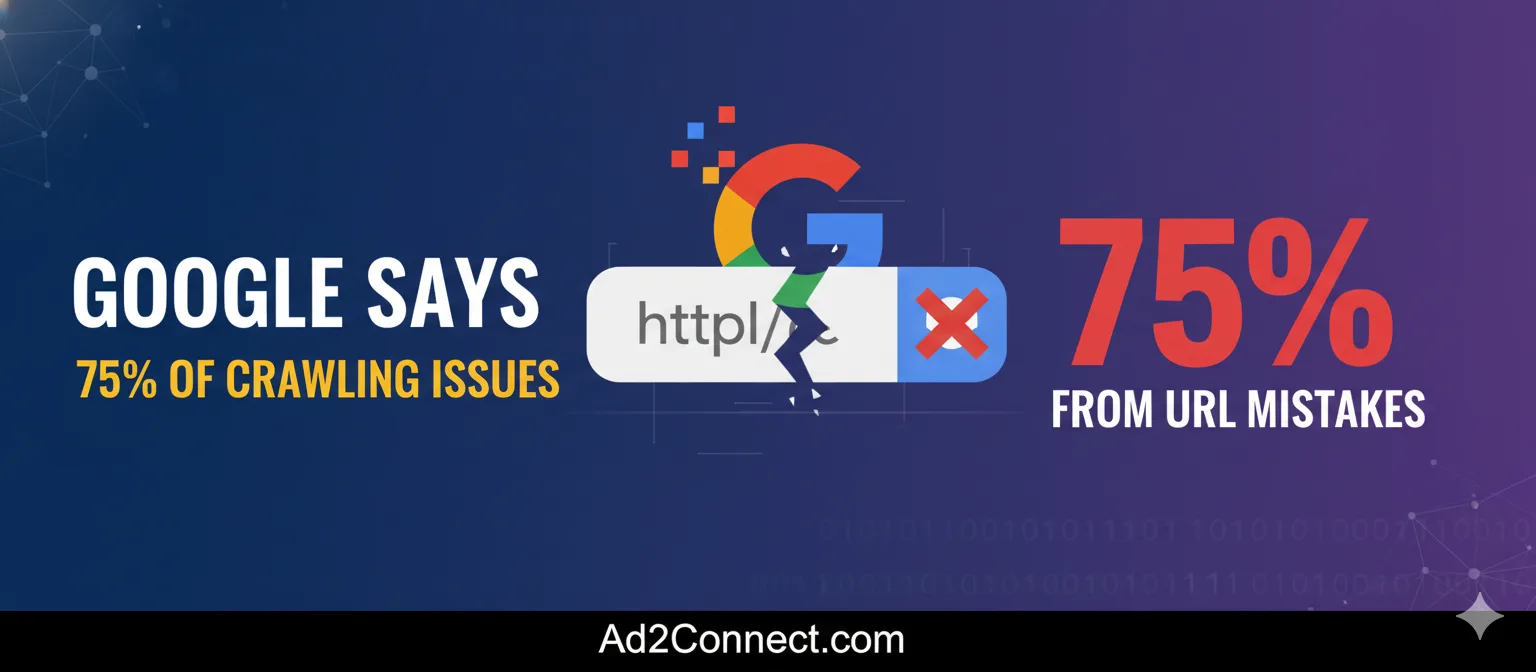
Image source: Ad2Connect
Technical URL Errors That Break Site Integrity and Indexing
Beyond the "Big Two," several technical oversights can quietly sabotage your rankings. These often stem from server configurations or legacy coding practices.
The Case Sensitivity Trap on Linux Servers
One of the most common "invisible" errors involves capitalization. Most web servers run on Linux or Unix, which are case-sensitive environments. This means that
example.com/SEO-Tips
and
example.com/seo-tips
are viewed as two entirely different files. If your internal links are inconsistent, you may be sending users and bots to 404 "Page Not Found" errors without realizing it. Standardizing all URLs to lowercase is a top choice for preventing this fragmentation.
Why You Must Include the Full Protocol in Your Markup
A frequent mistake among developers is relying on the browser to "fix" incomplete URLs. While a modern browser might resolve
www.example.com
to
https://www.example.com
, search engine crawlers and various user agents require the full protocol in the HTML markup. According to
Ed Tittel
, a veteran in web standards, omitting the
https://
can lead to failed requests and broken link signals.
The Danger of Double-Encoded URLs
Special characters in URLs (like spaces or symbols) must be encoded. However, a technical glitch sometimes causes these characters to be encoded twice. For instance, a space becomes
%20
, and if encoded again, it becomes
%2520
. This "weird stuff" makes the URL unreadable for many bots and can lead to 404 errors or duplicate content issues that are exceptionally difficult to track down without a dedicated technical audit.
How to Design URLs That Humans and Bots Both Love
A URL should be a map, not a riddle. Balancing keyword optimization with user experience is a hallmark of a high-performing site.
Should You Use Hyphens or Underscores?
This is a settled debate in the SEO community. Google’s algorithms treat hyphens (
-
) as word separators, similar to a space. Underscores (
_
), however, are treated as part of the word. If your URL is
best_seo_tips
, Google sees it as one long, nonsensical word. If it is
best-seo-tips
, the engine recognizes three distinct keywords. Using hyphens is a top-tier best practice for semantic clarity.
| Separator Type | Example URL | How Google Sees It | SEO Recommendation |
|---|---|---|---|
| Hyphen | /blue-suede-shoes | "blue suede shoes" | Highly Recommended |
| Underscore | /blue_suede_shoes | "bluesuedeshoes" | Avoid |
| Space | /blue suede shoes | /blue%20suede%20shoes | Never Use |
The Keyword Stuffing vs. Readability Debate
While including keywords in your URL is a known ranking factor, over-optimization can backfire. A URL like
/best-shoes-cheap-shoes-buy-shoes-online
looks spammy to both users and algorithms. Instead, focus on the "Intrigue Factor." A clean, descriptive URL like
/how-to-fix-broken-links
is widely considered one of the best ways to improve click-through rates (CTR) from the search results page. It tells the user exactly what to expect without the clutter.
Advanced Troubleshooting for Dynamic and AJAX Content
Modern web applications often use dynamic loading, which introduces unique SEO challenges. If your content is loaded via AJAX, you must ensure the crawler can actually "see" it.
Historically, the "Hashbang" (
#!
) syntax was used to indicate that a URL contained an escaped fragment of content. While modern SEO practices favor Server-Side Rendering (SSR) or dynamic rendering, the hashbang remains a fallback for certain legacy systems. However, for most 2026 applications, moving away from hash-based navigation in favor of the History API is a significant step forward in ensuring full indexability.
Security Risks of Poorly Structured URLs
URLs are not just for SEO; they are also a potential vector for security breaches. Hackers often use "Google Dorks"—advanced search queries—to find sites that have left sensitive information exposed in their URL strings.
For example, a query like
inurl:phpinfo.php
or
inurl:error_log
can reveal server configurations or system errors to the public. According to the
Exploit-DB Google Hacking Database
, these "mistakes" are frequently exploited to gain unauthorized access. Ensuring that your sensitive directories are blocked in
robots.txt
and that your URL structure does not leak system-level data is a critical security requirement.
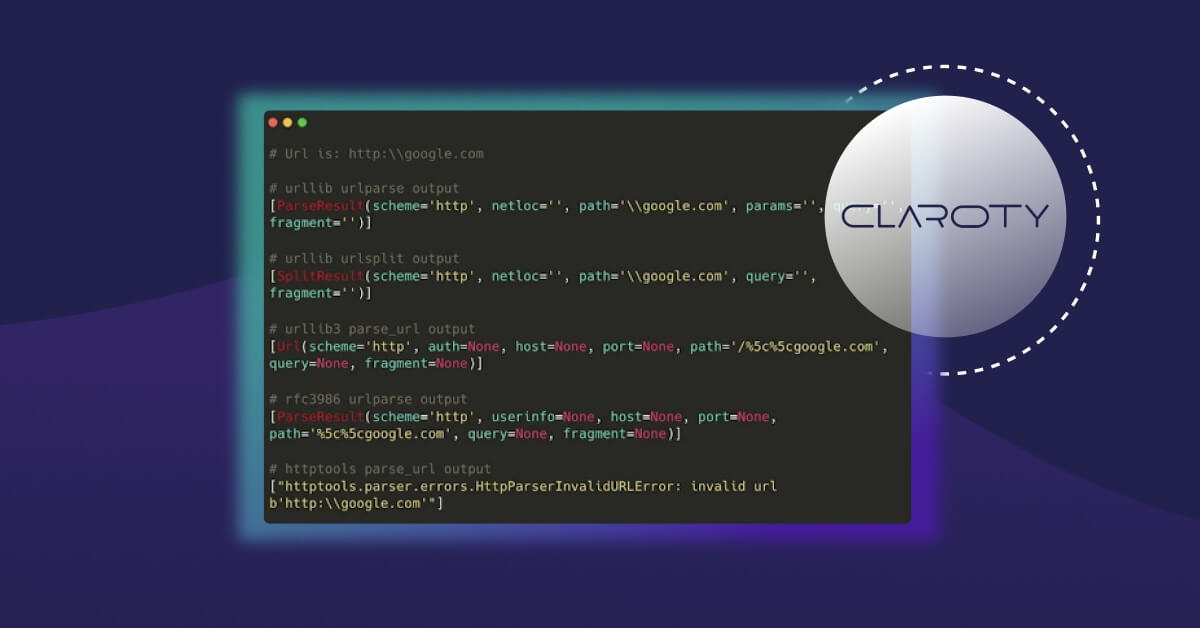
Image source: Snyk
Platform-Specific URL Fixes for Popular CMS Environments
Different platforms handle URLs in unique ways, often creating specific "out of the box" problems that need manual intervention.
- Shopify
-
Shopify often creates duplicate content by nesting products under both
/products/and/collections/.Implementing proper canonical tags is essential here to ensure the product page is the primary version. - WordPress
-
The default "Plain" permalink structure (e.g.,
?p=123) is poor for SEO. Switching to "Post Name" is a top choice, but be wary of plugins that generate their own custom post types and messy URL strings. - Joomla
- The "Smart Search" plugin in Joomla can sometimes create conflicting URL paths that lead to 404 errors. Troubleshooting these often requires disabling 3rd party search extensions one-by-one to identify the conflict, as noted in community forums .
A Developer’s Workflow for Error-Free URL Creation
Human error is the root of most broken links. Implementing a rigorous workflow can eliminate these mistakes before they go live.
One effective technique is the "Dumb Down the Brain" method. This involves reading the URL string backward to catch typos that your brain would normally "auto-correct" when reading forward. Additionally, the Copy-Paste Protocol is a leading strategy: never manually type a URL into your HTML code. Instead, load the live page in a browser, copy the URL from the address bar, and paste it directly into your editor. This ensures that every character, including capitalization and trailing slashes, is perfectly matched.
Frequently Asked Questions
Does changing my URL structure hurt my current rankings?
Yes, changing a URL can cause a temporary dip in rankings as Google needs to re-crawl and re-evaluate the new path. However, if you implement proper 301 redirects from the old URLs to the new ones, the ranking power (link equity) will eventually transfer. It is a top-tier practice to only change URLs if the current structure is causing significant crawl waste or user confusion.
Are .html extensions necessary in 2026?
No,
.html
or
.php
extensions are no longer necessary and are generally considered outdated. Modern SEO favors "clean" URLs (e.g.,
example.com/topic
) because they are easier for users to remember, look better when shared on social media, and are more future-proof if you ever decide to switch your backend technology.
How do I fix faceted navigation without losing filter functionality for users?
The most effective way to handle this is through a combination of Canonical tags and the Robots.txt file. You want users to be able to filter, but you don't want Google to index every combination. Use a canonical tag on all filtered pages pointing back to the main category page. For extremely large sites, you may also need to use "noindex" tags or block specific parameter patterns in your robots.txt file.
What is the difference between a static and dynamic URL?
A static URL is a permanent address that doesn't change (e.g.,
/about-us
). A dynamic URL is generated by a database query and often contains parameters like
?id=456
. While search engines can crawl dynamic URLs, they are more prone to crawl traps and are generally less "clickable" for users compared to descriptive static URLs.
Can I use emojis or special characters in URLs?
Technically, you can, but it is highly discouraged. Special characters must be URL-encoded, which turns a simple emoji into a long string of gibberish (e.g.,
%F0%9F%98%80
). This makes the URL look untrustworthy to users and can cause significant issues with older browsers or social media scrapers. Stick to alphanumeric characters and hyphens.
Key Takeaways for URL Optimization
Fixing your URL structure is one of the highest ROI tasks in technical SEO. By focusing on crawl efficiency and user clarity, you ensure that your site remains competitive in the 2026 search landscape.
- Prioritize the 75% Rule: Focus your efforts on fixing faceted navigation and action parameters first.
- Standardize to Lowercase: Avoid 404 errors by ensuring all URLs and internal links use lowercase characters.
- Use Hyphens, Not Underscores: Ensure search engines can read your keywords by using hyphens as word separators.
- Implement Canonical Tags: Use canonicals to tell Google which version of a parameter-heavy page is the authoritative one.
- Audit for Security: Use "Google Dork" queries to ensure your URL structure isn't leaking sensitive system information.
- Keep It Short and Semantic: Aim for URLs that are descriptive enough for a human to understand but short enough to be easily shared.
Start your audit today by identifying your top 10 most-crawled parameter URLs in Google Search Console and determining if they provide unique value or are simply wasting your budget.